AA Wireless TWO + Product Review (MSRP $ 64.99)
Bummer: My Car Prefers Apple Phones Over Android
When my wife gets into our 2023 Rogue, the car instantly recognizes her iPhone and starts Apple CarPlay. However, when I get into the car with my Samsung S23, I have to plug it in to use Android Auto. This means I often forget my phone in the cup holder after I park, which is frustrating. It’s annoying that I need to plug my phone in just to access the superior GPS and control various phone functions directly from the car’s display.
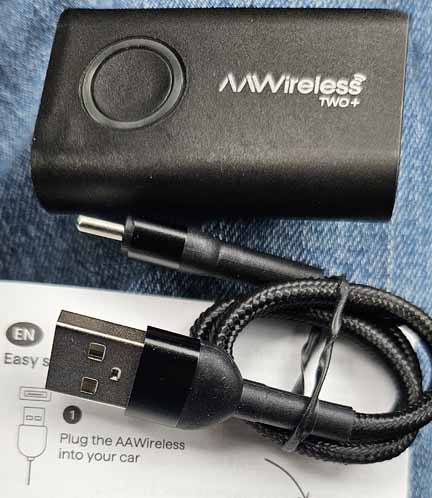
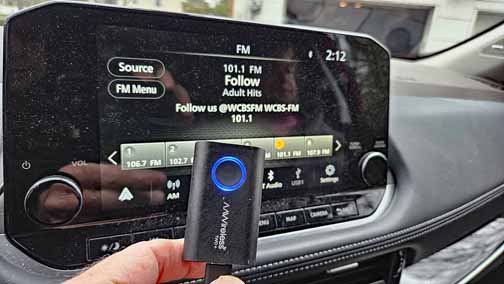
If you find yourself plugging in your Apple or Android phone to use Apple CarPlay or Android Auto, you might want to check out the AA Wireless Two+ Adapter (see Photo 1). Once plugged in, it takes just a few seconds to add it to your phone’s list of Bluetooth devices. Since my car already supports wireless Apple CarPlay, I only tested the AA Wireless Two+ for its ability to provide a fully functional wireless Android Auto experience.
Reasons to Drool:
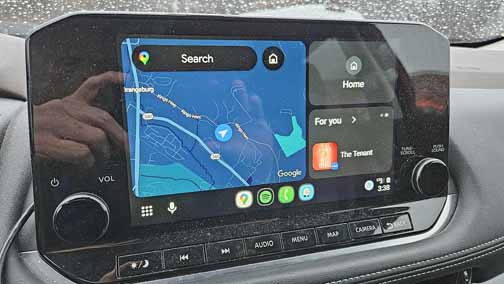
Automatic Connection: After a quick setup, Android Auto is available as soon as I get in the car—no need to even take my phone out of my pocket. (see photo 3)
Voice-Controlled Navigation: I can request directions simply by tapping the microphone icon on the car’s screen (see Photo 4).
Seamless Control: Use the car’s touchscreen or microphone to perform most phone tasks hands-free.
Wireless Apple CarPlay: If your car requires a wired connection for Apple CarPlay, the AA Wireless Two+ can also turn that wired connection wireless.
Switch Between Devices: If your family has both Apple and Android phones, you can easily switch between Android Auto and Apple CarPlay with a single press of the unit’s button.
Never Forget Your Phone: The adapter ensures I don’t forget to unplug my phone when I park—no more leaving it behind in the cup holder.
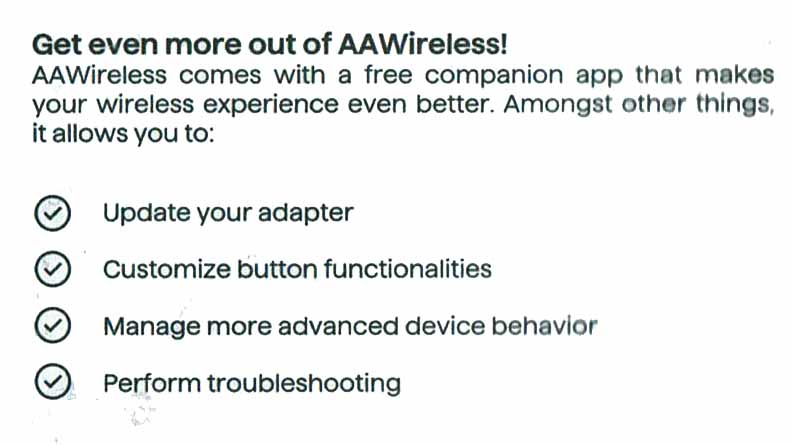
Free AA Wireless App: The app, available in both app stores, allows you to update the device and manage its settings. (see Photo 2)
Not So Cool:
Cable Compatibility: The unit comes with a USB-A to USB-C cable, but my car required a USB-C to USB-C cable for setup.
Power Ports: Depending on your car’s power outlets, you might need a separate cable or a USB multi-port adapter to increase the number of available charging ports.